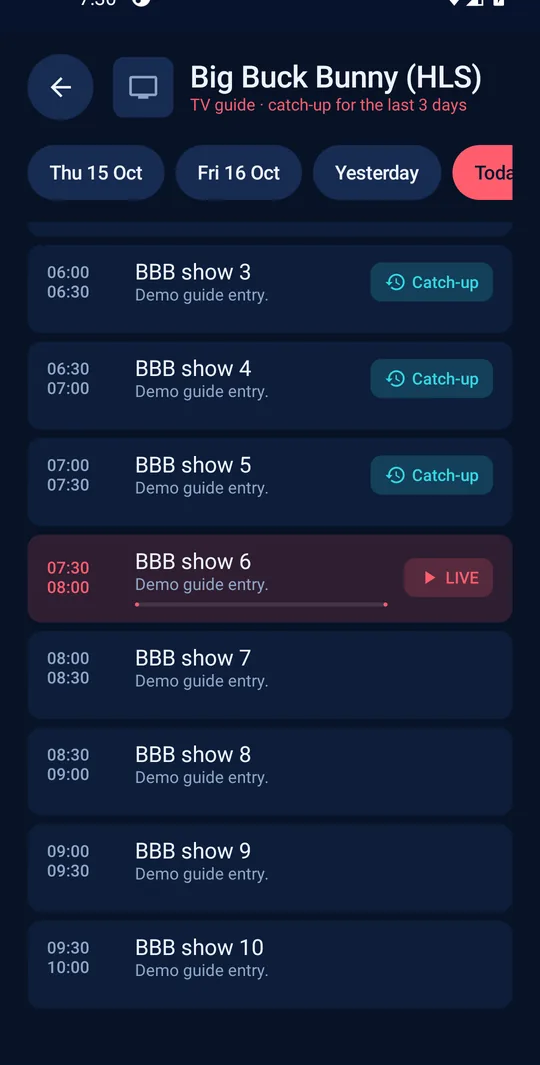
TV guide and catch-up
A full programme guide for every channel. Missed the start? Go back and play it from the beginning, as far back as your provider allows.
StreamBox is a fast, premium media player for Android TV, Fire TV, phones and tablets. Sign in with the service you already have and enjoy live TV, a full guide with catch-up, movies and series in one gorgeous app.
Works with the service you already have
Built from the ground up for the big screen, and just as comfortable in your hand.
A full programme guide for every channel. Missed the start? Go back and play it from the beginning, as far back as your provider allows.
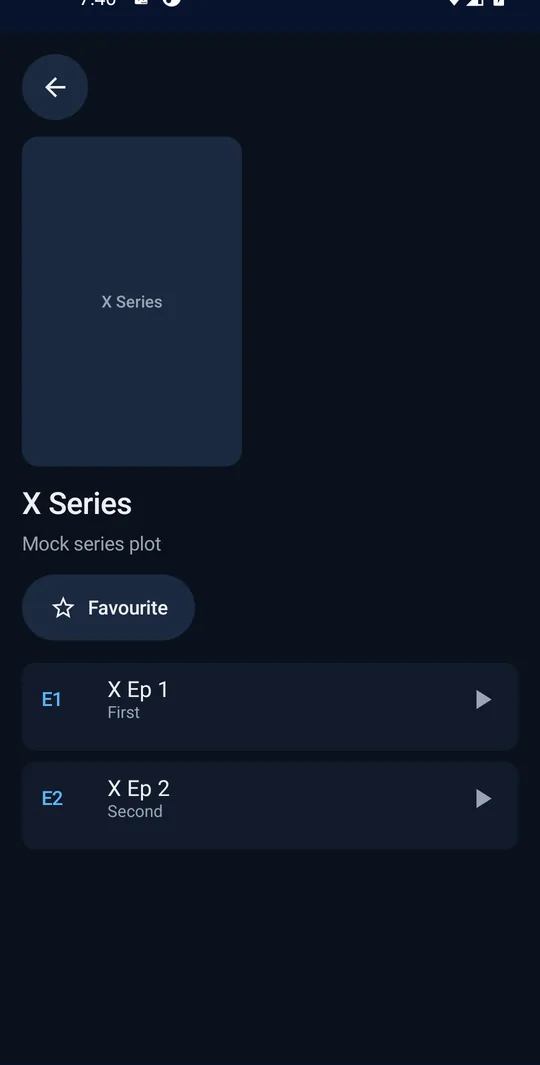
Posters, seasons and episodes, with resume points that remember exactly where you stopped.
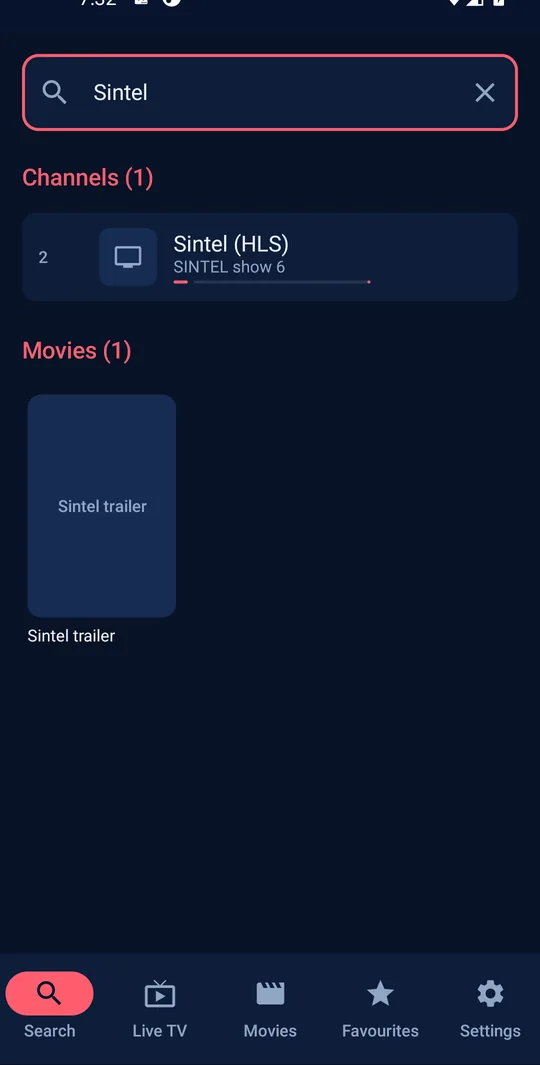
One search box finds channels, movies and series at the same time.
Every screen works with a TV remote and clear focus, and with touch on phones and tablets.
Uses your TV’s real resolution, so text and pictures stay razor sharp.
Built-in FFmpeg decoders handle audio and video formats many TVs can’t play on their own.
Seven colour themes and smooth animations, which you can switch off in one tap.
Use the subtitles in your stream, or search OpenSubtitles right from the player.
Lock adult categories behind a PIN, so the whole family can share one app.
Keep your best channels one click away and jump back into anything you watched.
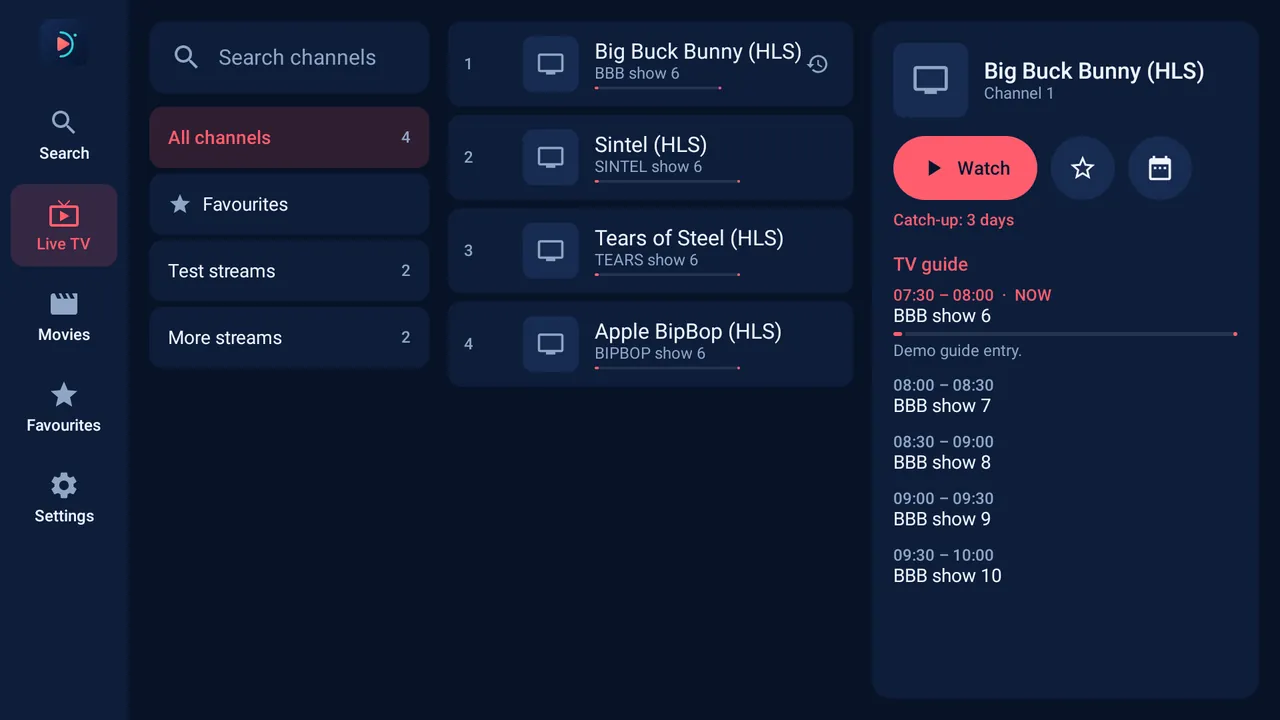
Big type, clear focus and calm colours, so it’s easy to read from across the room. Shown with free demo streams.
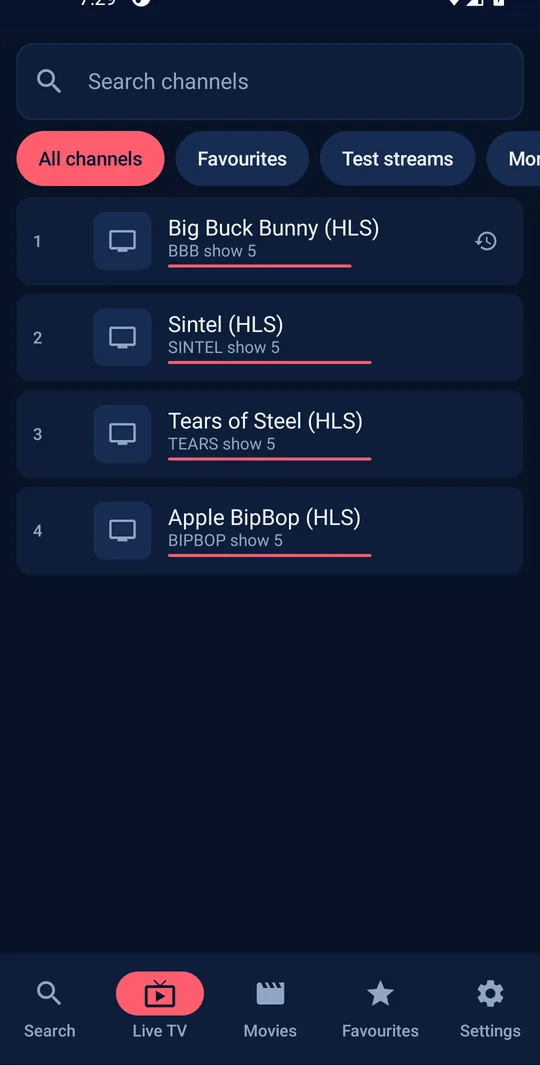
On phones the same app switches to a bottom bar and touch-friendly lists. Your playlists, favourites and themes, all there.
No more typing long passwords with a remote control.
Scan the code on your TV, type your login on your phone and tap Send to TV. It appears on the TV for you to check and save. Encrypted from end to end.
Got a second TV? Make a 10-character code on one device and enter it on the other. Your playlists move across in seconds, encrypted with the code.
Whatever your service uses, StreamBox speaks it. Add as many playlists as you like and switch between them any time.
Every device gets a free trial from the first launch, with no account and no card. After that, activate with a code. One code covers one device.
Flexible, month by month. Perfect for trying things out.
A whole year of StreamBox for the price of a few months.
Pay once and keep StreamBox on that device for good.
Codes are sold by StreamBox and our partners. Enter the code in the app under Settings → Activation.
Download the app on your Android TV, Fire TV, phone or tablet.
Your 12-day free trial starts on its own. No sign-up.
Type it in, or scan the code with your phone and type it there.
Android 7.0 or newer. One app adapts to every screen.
Become a StreamBox partner and get your own panel. Buy credits, create activation codes in seconds and keep track of every device.
Anything else? Get in touch and we’ll help.
No. StreamBox is a media player only. It doesn’t include, sell or link to any channels, playlists or content. You sign in with a service you already have the rights to use.
Android TV, Google TV, Amazon Fire TV and Fire TV Stick, Android TV boxes, and Android phones and tablets (Android 7 or newer). It’s one app that adapts to the screen.
Choose how your service works: a Stalker / Ministra portal (your device’s MAC address), an Xtream Codes account (server, username and password) or an M3U playlist link with an optional XMLTV guide.
Every device gets a free trial that starts the first time you open the app. No account and no card. When it ends, enter an activation code: monthly, yearly or lifetime.
One code activates one device. If you replace your device, the code can be moved to the new one; just get in touch.
Your logins stay on your device. Phone setup and playlist copies are encrypted on your devices before they leave them, so not even our server can read them.
If your provider offers catch-up (also called timeshift or archive), StreamBox shows it in the TV guide for Stalker, Xtream and M3U playlists with catch-up tags.
Install StreamBox and try everything free for 12 days.